
Anomaly Report
See which phone numbers are being used suspiciously, so you can act before they cost you money or harm your users.
What is an anomaly? An anomaly is something that does not look normal. Here, it means a phone number that receives far more OTP requests than a real user would ever need.
What is an OTP? OTP stands for One-Time Password. It is a short code, usually 4 to 8 digits, that can be used only once and stops working after a set time.
What Is the Anomaly Report?
The Anomaly Report gives you a list of phone numbers that look like fraud. A phone number appears on the list when it was the target of more than 20 OTP requests within 10 minutes.
What is a request? A request is each time your app (or the Dashboard) asks Verihubs to send a message to a phone number.
What is a Try Count? Try Count is the number of times an OTP was requested for one destination phone number. For example, if the same number was asked to receive an OTP 25 times, its Try Count is 25.
Why this matters: A real user rarely asks for more than a few OTPs in a short time. A number with a very high Try Count often means someone is misusing your service. Common examples:
- A program is sending OTP requests on purpose to run up your SMS costs, or to annoy the person who owns the number.
- Someone is testing stolen data by repeatedly trying phone numbers.
- A bug in your app keeps asking for OTPs again and again.
How It Works
- Verihubs counts the OTP requests sent to each phone number.
- If a number gets more than 20 requests in 10 minutes, it is added to the Anomaly Report.
- The report is refreshed every 10 minutes.
Show the Data
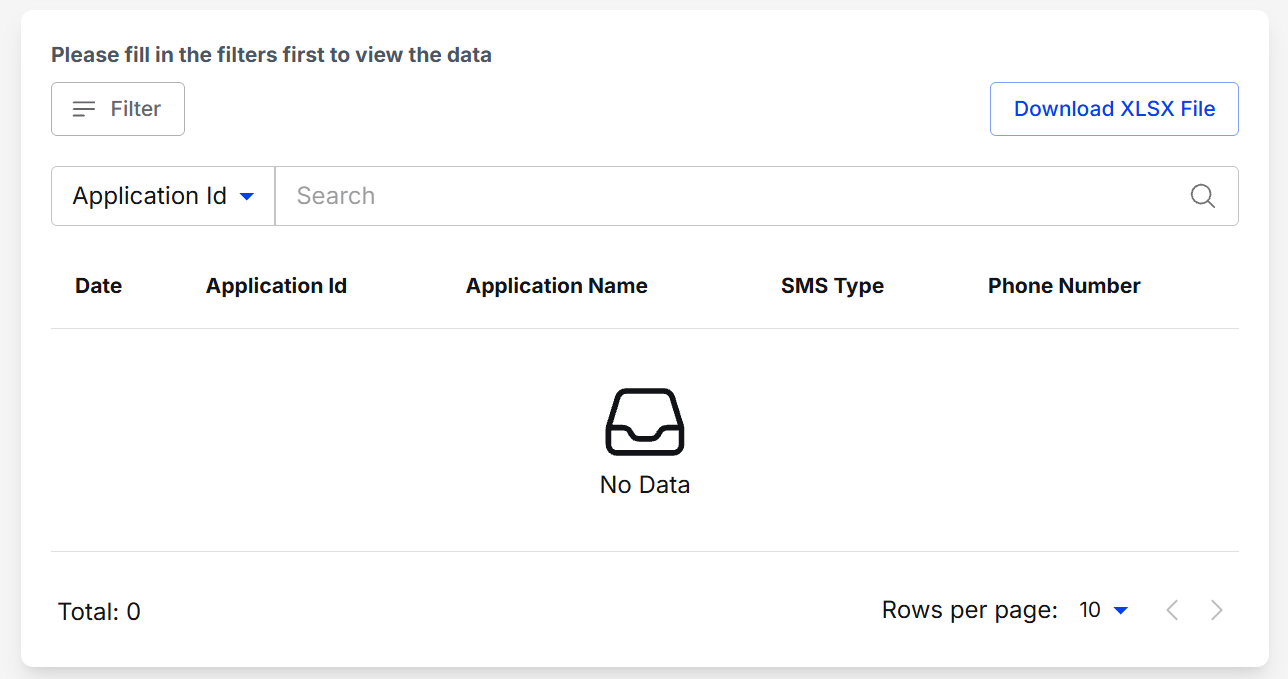
When you first open the page, the table is empty. The page says "Please fill in the filters first to view the data". This is normal. You must choose a filter first.
- Click the Filter button at the top left of the table. A filter panel opens.
- Choose your options.
- Click Apply.
- The table fills with the numbers that match your filter.
Updated 2 days ago